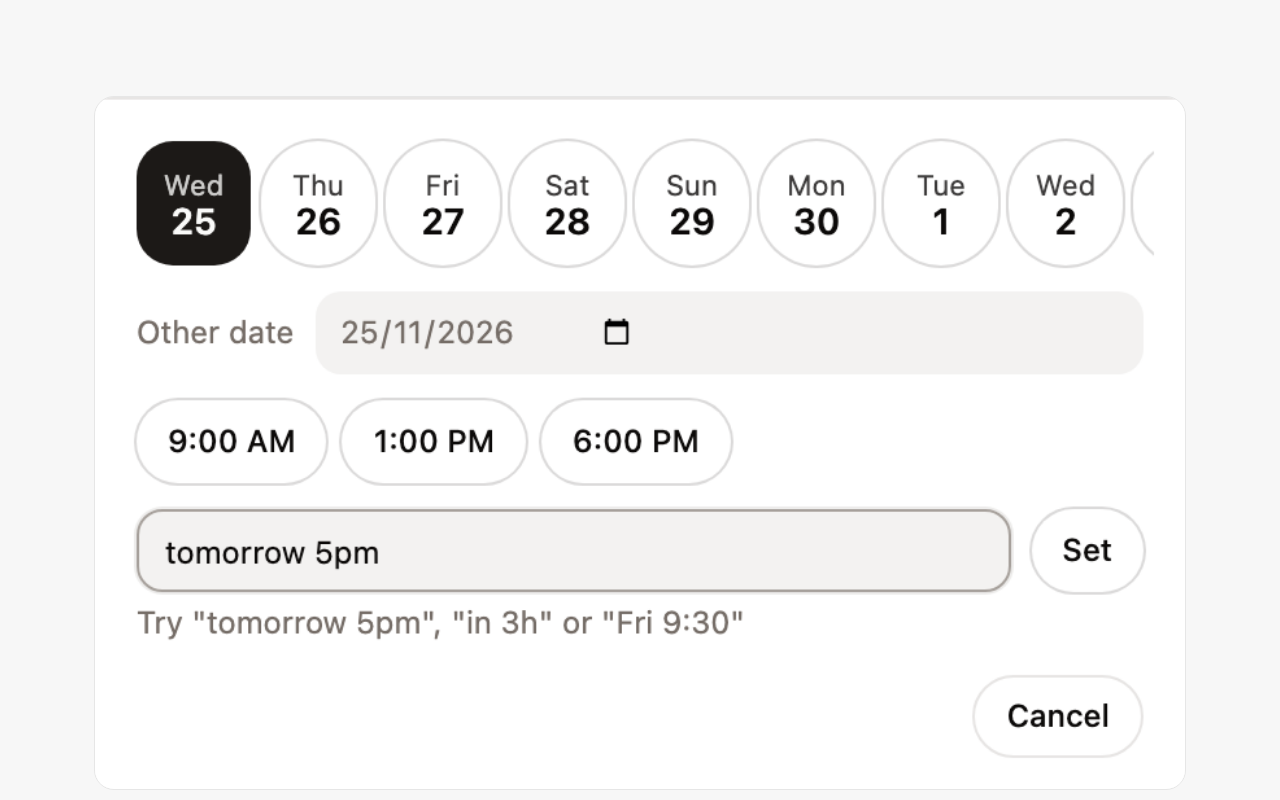
Quick scheduling
Pick a day, tap one of your posting times, or type a time in words such as "tomorrow 5pm", "in 3h" or "Fri 9:30".
v0.8.0No account needed · Chrome & Safari


Xetra works inside X's own composer and schedule picker: a drafts column, a queue with list, month, and week views, typed times, AI rewrites, and crossposting. No third-party dashboard.
Pick a day, tap one of your posting times, or type a time in words such as "tomorrow 5pm", "in 3h" or "Fri 9:30".
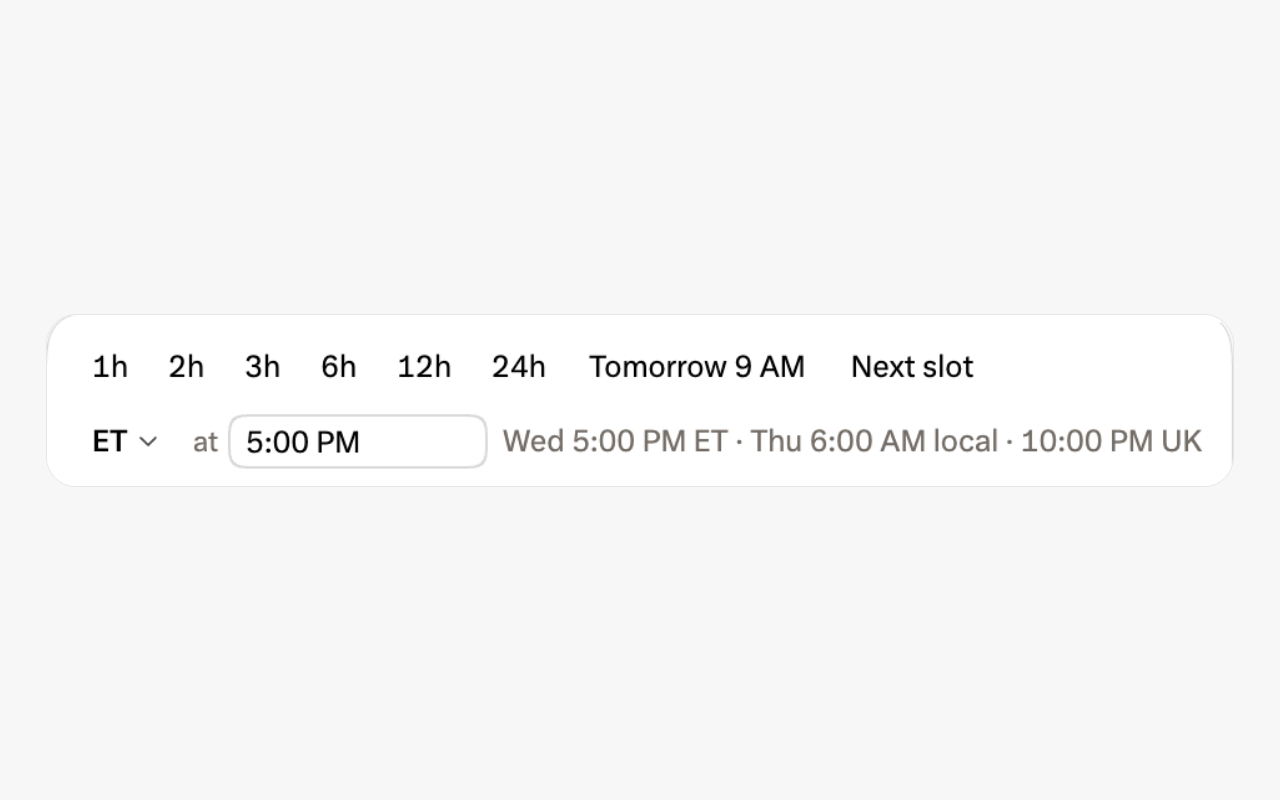
Inside X's own picker: one-tap presets, a time typed in words, and the send time in ET, your zone and the UK. Your own zone shows its country code, such as TH · GMT+7.
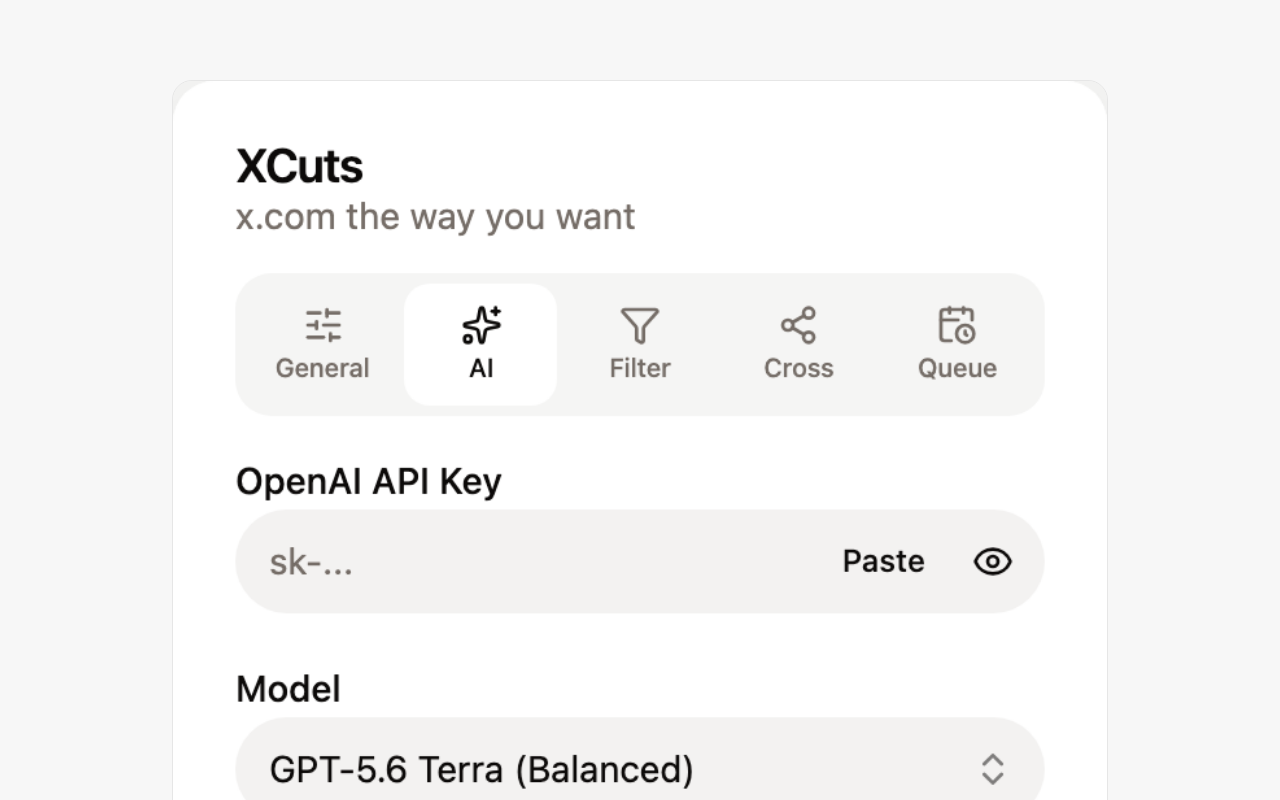
Add your own OpenAI API key, choose a model, and tighten drafts with the Enhance button in the composer. Crosspost to Bluesky and Mastodon from the same popup.
Strip X back to the parts you actually use. Hide sidebars independently, filter out noise in plain English, or collapse the page down to your composer, your drafts, and your queue.
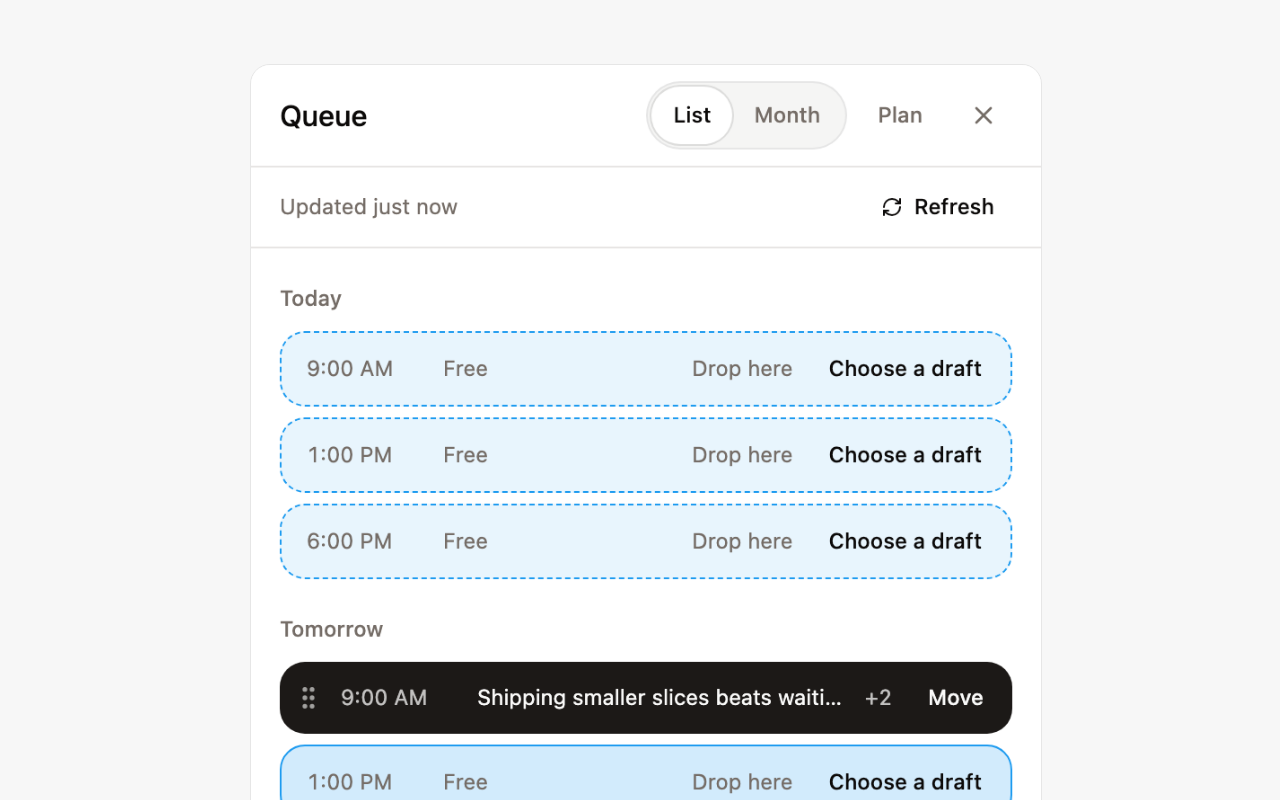
Hide everything but the composer on the Home timeline with ⌘⇧. (Ctrl+Shift+. on Windows). Your drafts sit beside the queue of free times and scheduled posts, and you drag a draft onto a free time to schedule it.
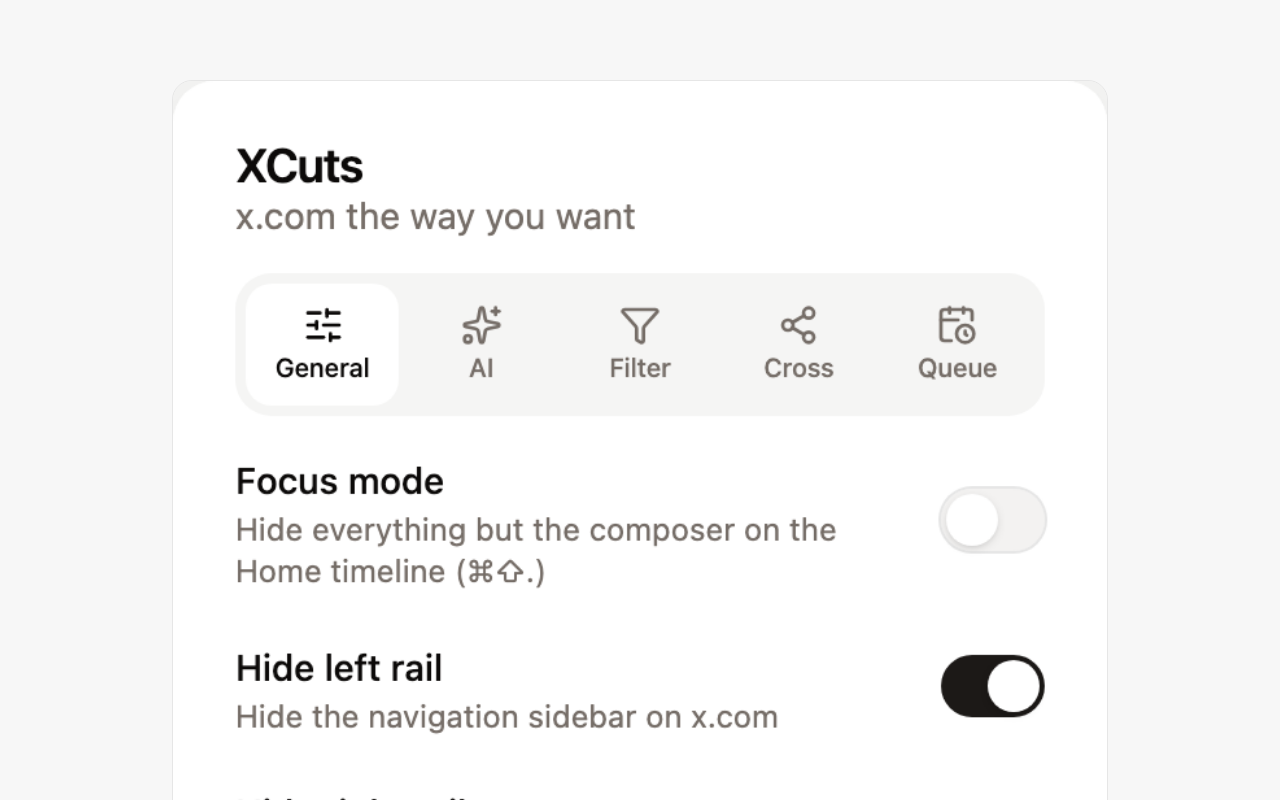
Switch Focus mode on, or hide X's left navigation rail and right rail (search, trends, who to follow) on their own. Changes apply instantly on open x.com tabs.

Write plain-English filter rules. Matching posts collapse into a "Hidden by your Xetra filter" line with a Show link to reveal them.


Install from the Chrome Web Store. Works on Chrome, Arc, Brave, and Edge. No Xetra account required.
Add to Chrome
Install the native Safari Web Extension from the Mac App Store. Same features on macOS.
Get it for Safari